New eNudge Campaign Editor! |
|
|
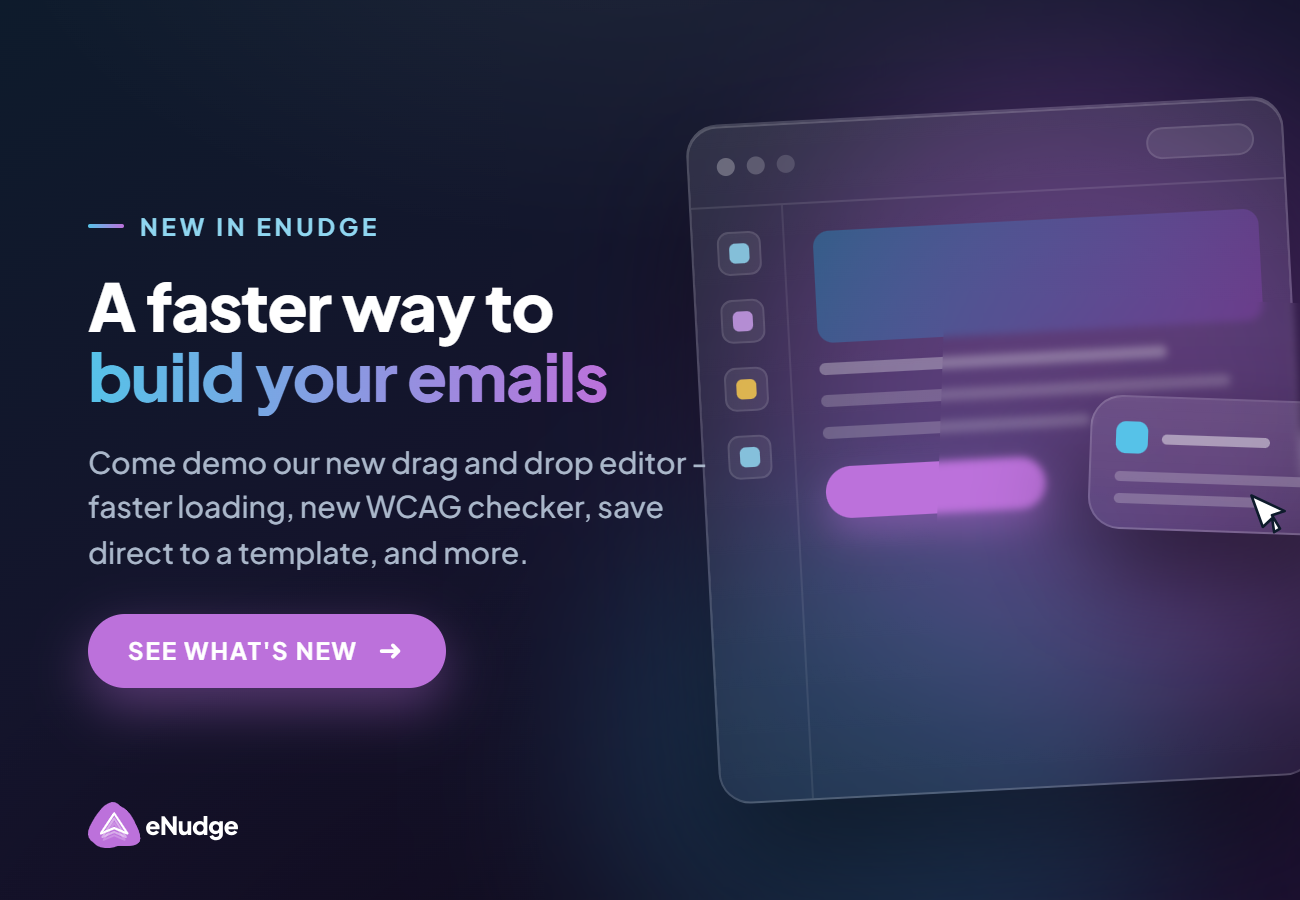
Hi Heather, We are super excited to announce that we have a new eNudge email campaign editor coming your way! Why a new editor? The new eNudge drag and drop editor has some serious benefits: |
|
|
|
Before you get nervous, please be assured that all your existing emails and templates will be automatically converted the next time you copy or edit them. Also, you can continue to use any existing campaigns without change. |
|
|
| Speed. Because the new eNudge editor is built by us for our eNudge users, it loads very fast, and allows you to save your campaigns in a split second as well! |
|
|
|
|
| Save as Template. Again, because we have full control of the editor, you can now save your email campaign straight out to a template. |
|
|
|
| WCAG. Ensuring that your email is accessible to people using screen readers and other accessibility tools, is very important. Our new editor comes with a WCAG checker to give you tips to help improve accessibility. |
|
|
|
|
Ease of Use. We have re-designed the editor from the ground up, to ensure that all the features we know you use all the time, are at your fingertips, and are easy to use. |
|
|
|
| Control. Because we have full control over the editor functionality, we have some great new features planned for the coming months, such as creating a new campaign via HTML import. Stay tuned! |
|
|
|
You can read more about the changes and how to the use the new editor in our help centre: 'Coming Soon: New eNudge Email Campaign Editor'
The HTML generated by our new editor has been put through rigorous testing to ensure that your campaigns appear correctly in a wide variety of email clients, including falling back gracefully for email clients that don't support features such as background images. What's Next? We are in the final stages of testing, and expect to roll out the new editor in the next couple of weeks. However, we realise that change is always hard, even if it's just because you have to stop and think about where to find a feature. To help you with the transition: |
-
We are providing immediate access to a demo of the new eNudge drag and drop editor, so you can play and get comfortable ahead of the launch.
-
We have built a translation engine into our new editor, so that you can copy a previous campaign into a new campaign, or use a pre-existing template, without any issue — the translation happens immediately that you copy the campaign or use the template. Your pre-existing email inside an eNudge Message Series, will continue to function without any need to change.
-
We are ready on-hand to help you with any minor adjustments that might be required after you copy a template or campaign, or answer any questions.
- New help articles will be at the ready to answer your questions if you need help outside of business hours.
|
Ready to try now?
For access to our demo tool, please reply to this email and mention "Give me demo access!", and we will provide you with the link so that you can try out the new editor. Of course, we will welcome your feedback, so trying out our demo will also provide you with early opportunity to request features or enhancements. Happy Enudging!
The eNudge Team |
|
|
|
|