How will Gmail's AI features affect visibility in the Inbox? |
Let's keep your content visible |
|
|
Hi Heather,
On the 8th January this year, Gmail launched new features powered by Artificial Intelligence (AI) to help people manage their inboxes and "turn information into answers without the digging". While it is still early days, we are expecting that many people will take up the new features described below. We have added our suggestions for making sure your content becomes more, not less, visible. | |
|
|
Just like the AI overviews you see when you do a search in Google, you can now get an AI overview for an email which consists of a long chain of replies attached. This likely won't affect your marketing emails, but it will contribute to users getting familiar with using AI in their inbox. |
|
|
|
AI tools sit beside your inbox, with options that popup on relevant emails like "Suggested Reply" (an update to their previously launched Smart Replies). The new version promises to use the context of your conversation to offer relevant, one-click responses that match your writing style! You can also get help to write an email right inside a new email message. |
|
|
| Filtered Content ('AI Inbox') |
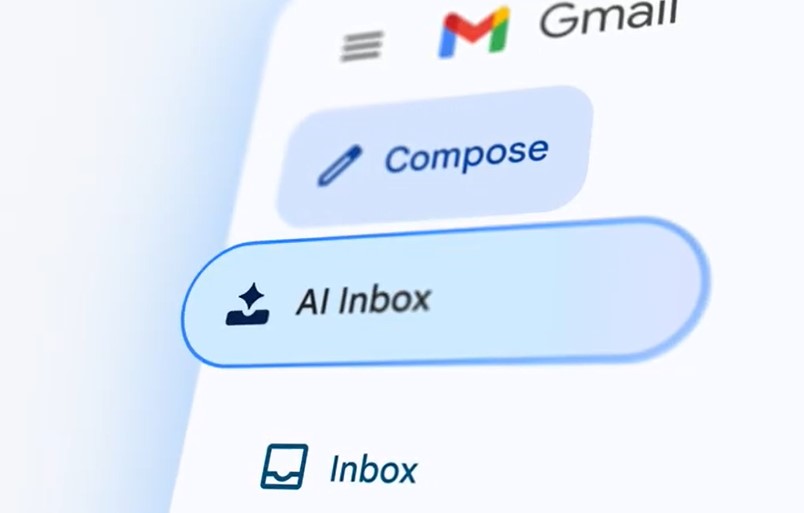
Perhaps the most important from a email marketing perspective, is a new feature that started to be rolled out in January, but is still being tested by "trusted users" in the USA. Google describes it's AI Inbox as "like having a personalised briefing, highlighting to-dos and catching you up on what matters...". The aim is to help users prioritise the most important emails, in part guided by people you email frequently, people in your contacts list and relationships inferred from message content.
Wow! This could be a good time to ask your contacts to add your email address to their contact list, as well as whitelist you. You will know if you have the AI Inbox, because you will see that label in the top of the Gmail folders. |
|
|
|
Searching through thousands of emails can be very time consuming and difficult to find what you really need. Google has also announced that you can now ask any question of your inbox, and Google will search through the content of all your emails to answer that question.
For example: "What is the name of the Italian restaurant I went to last year to celebrate my birthday?" If you discussed that anywhere in your emails or Google calendar, Google's AI will find it and let you know.
Helping users find your email can only be good for your organisation. Make sure your emails provide valuable content, which is well structured (headings, lists etc) so that it is easy for AI to understand and index, ready to help answer questions. |
|
|
For a video showing lots of different use cases for Google's Inbox AI: |
| |
|
We look forward to hearing your thoughts about the new AI features of Gmail — are you using them / finding them beneficial? Happy Enudging!
The Enudge Team |
| |
|