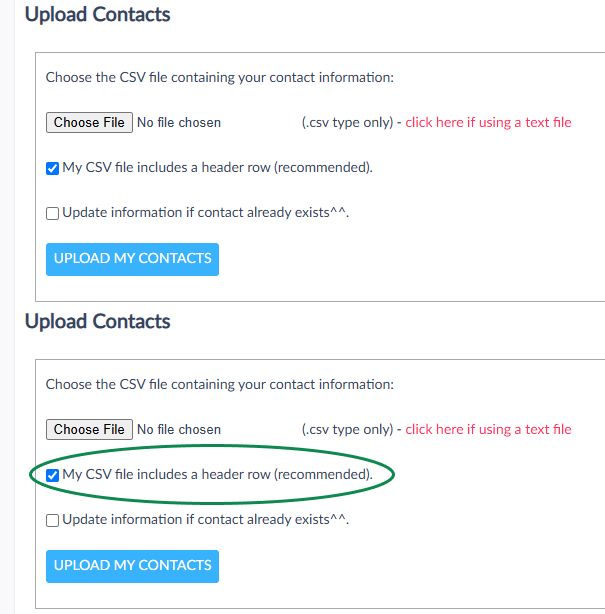
If you are wondering how to add contacts in bulk into a particular category, we recommend creating a CSV file with the email addresses and/or mobile numbers of the relevant contacts. Then add the name of each category you want to add the contacts into, in a separate column per category, and finally, import your CSV choosing 'Update if Contact Exists' option.
The following articles are related to contact import via CSV:
Uploading your Contacts via a CSV File
Preparing a CSV file to Upload your Contacts