How we achieved 10/10 email deliverability
The authentication, list hygiene and sending discipline behind a perfect score.


How to get your business logo to show beside your emails in Gmail.
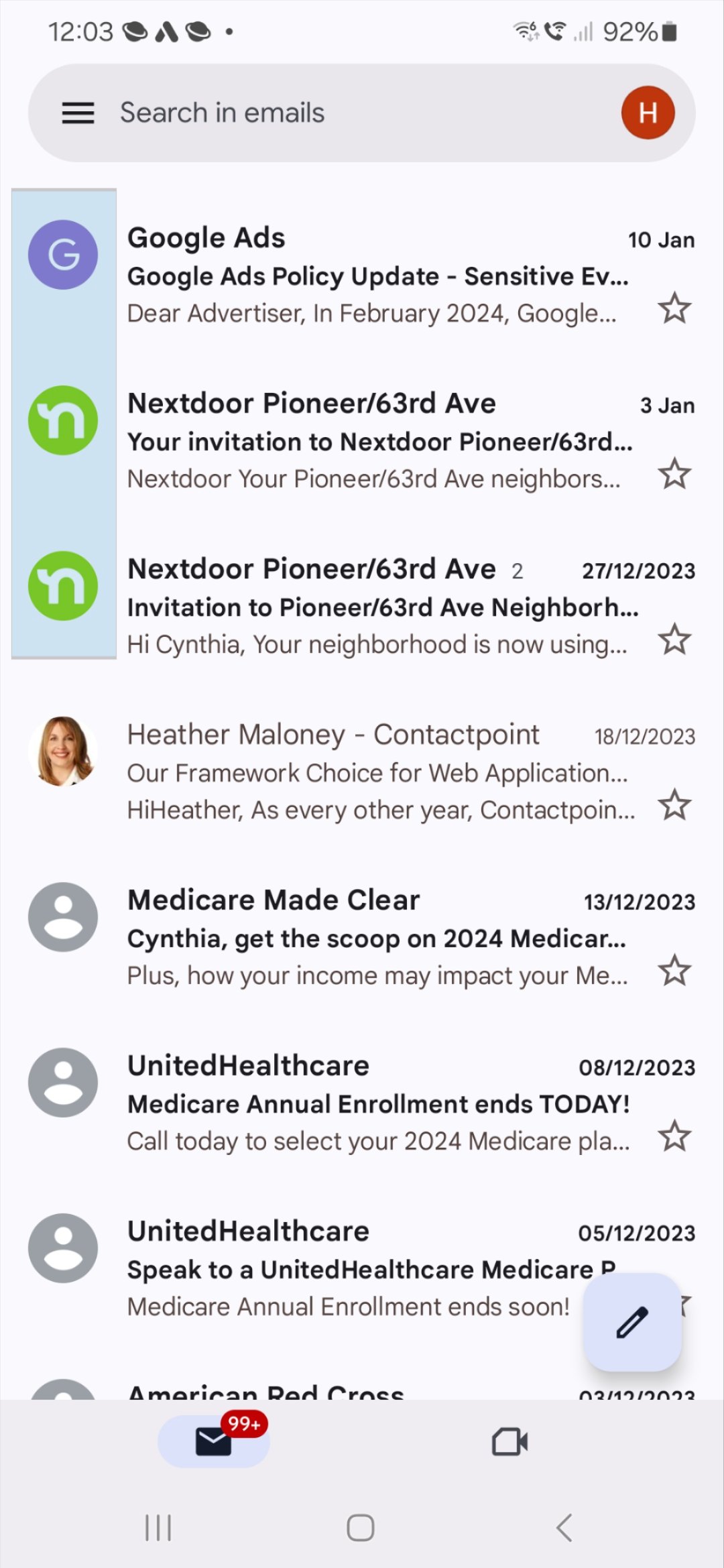
Have you ever wondered how to get your business logo to show beside your email in the Gmail inbox? Brand Indicators for Message Identification — BIMI for short — is the answer.
In a nutshell, setting up for BIMI involves creating an image of your logo in a specific format, paying for your logo to be certified, and adding a record to your domain's DNS.
The presence of your logo beside your emails in the inbox doesn't just provide stronger brand exposure and help your email stand out — it also helps recipients know the email is legitimately from your organisation.
BIMI launched in 2021 and has been slowly gaining momentum. In September 2024 it received attention when Gmail began supporting logos where a trademark is not present. Previously, if your logo wasn't the subject of a trademark registration, Gmail wouldn't show it — and registering a trademark adds cost and time, so reducing that requirement by a major email client will benefit BIMI's uptake.
To be clear, Google doesn't own BIMI. The idea is that as many email providers as possible will support it, but at the moment it's only supported by a handful of email providers.
As at September 2024, the cost of certifying your logo is around US$99 per month. There's also some effort in creating your logo in the right format. You should already have DKIM, DMARC and SPF set up — which we encourage while using eNudge — so the whole process should only take an hour or two to follow.
If you'd like help setting up for BIMI, please don't hesitate to get in touch.
Start free — no credit card, no contract. Your data hosted in Australia.

The authentication, list hygiene and sending discipline behind a perfect score.

What triggers spam complaints, and how to keep your sender reputation healthy.

The authentication requirements every sender needs to meet.